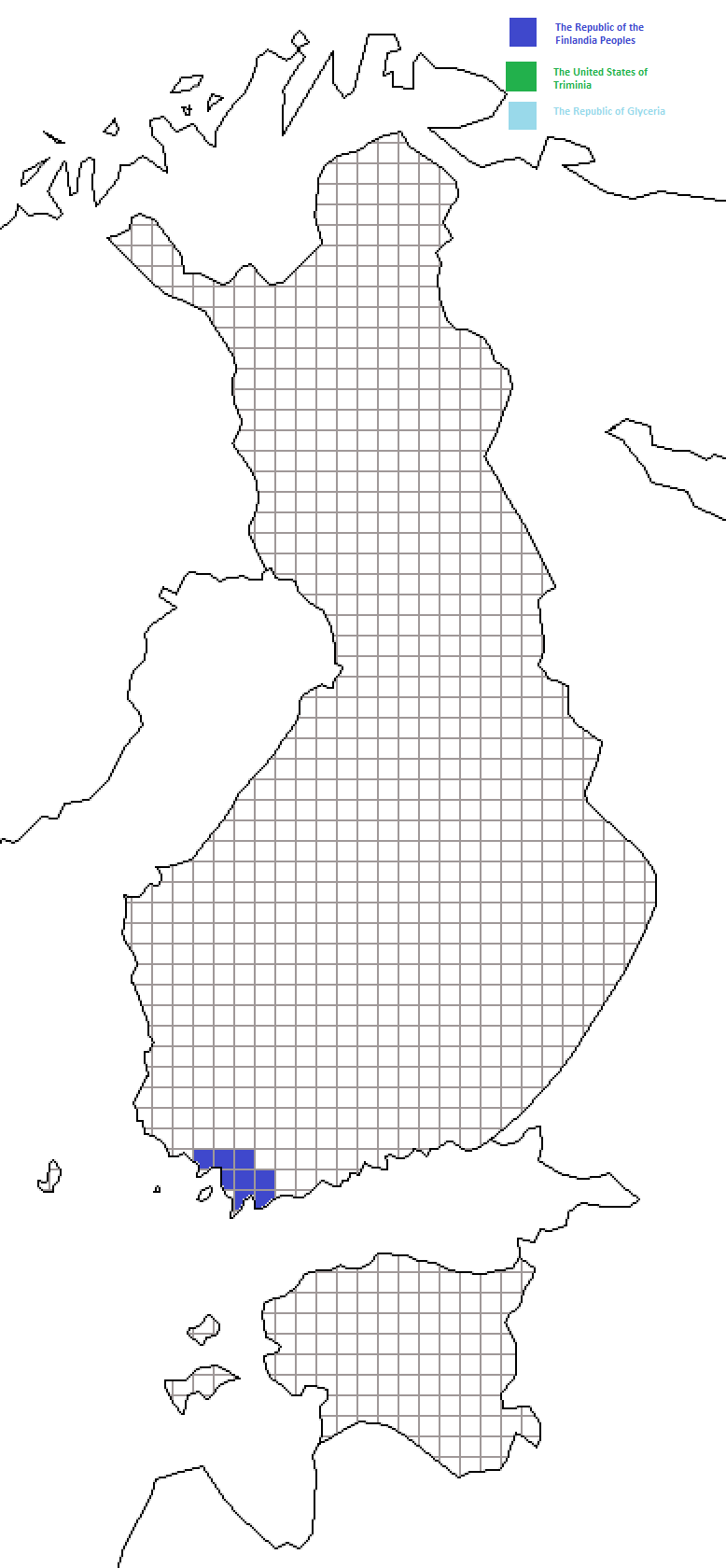
To add yourself to the map follow the following steps:
1)Download the Map
1a) Check for the latest version of the maps, it should the first image for each country
http://s1192.photobucket.com/albums/aa331/FinnandEst/
Login:
User: FinnandEst
Password: Nationstates
1b) If there's no maps there. It means that the maps on this site are up-to-date. And you can download one of them.
2) Use paint bucket / fill with color etc. tool to color the squares.
You can claim 1 square for each 500 million people in your nation, rounding up. That is for example with 5-500 million people, you can claim 1 square, 501 million-1 billion you claim two squares,etc.
3) If your country is not on the map, email me on NationStates so can add your nation to the Key.
4) Press Save. Do NOT change format, size or resolution to smaller, when you save it.5) Rename the file, so that the number on the name of the file is one larger, than the latest map in photobucket.
For example if the file was finnmap02.png change to finnmap03.png
Place the map in the album where it belongs to
Do not mess around with settings, or with the other files on the site.
Finnish Map